Best AI Tools for Students in 2026 (Free & Paid) Part 1
Artificial Intelligence has become an important part of modern education. Students are using AI tools to improve their learning experience, complete assignments more efficiently, organize study materials, prepare presentations, conduct research, and develop new skills. In 2026, AI is no longer limited to technology students. Learners from business, medicine, engineering, law, arts, and other fields are also using AI to save time and improve productivity.
However, choosing the right AI tool can be confusing because hundreds of new platforms are available. Some tools are completely free, while others require monthly subscriptions. Each tool is designed for different purposes, such as writing, coding, mathematics, research, note-taking, language learning, image creation, or presentation design.
The best approach is to understand what each AI tool does and use it responsibly. AI should help students learn, not replace their own thinking. Universities and employers continue to value original ideas, critical thinking, and problem-solving abilities. Students who combine these skills with AI tools often perform better academically and professionally.
If you are searching for verified scholarships, internships, online courses, career guides, and international opportunities, visit Energie Intelligent at www.energieintelligent.com. The platform regularly shares trusted opportunities for students and fresh graduates worldwide.
Why Students Should Learn AI Tools
Technology is changing education every year. Many universities now encourage students to use digital tools for research, collaboration, and project management. Employers also expect graduates to be familiar with modern workplace technologies.
Learning AI tools offers several advantages:
- Faster research
- Better organization
- Improved writing
- Easier coding assistance
- More effective presentations
- Time management
- Language improvement
- Better productivity
Instead of spending hours searching through multiple websites, students can organize information more efficiently while still verifying facts through reliable sources.
Free vs Paid AI Tools
Many students ask whether free AI tools are enough.
The answer depends on your needs.
Free versions usually provide enough features for:
- Basic writing
- Homework assistance
- Brainstorming
- Simple coding
- Research support
- Language correction
Paid versions often include:
- Faster responses
- Larger usage limits
- Better reasoning
- Advanced document analysis
- Image generation
- File uploads
- Team collaboration
- Priority access to new features
Students who are just starting can usually begin with free plans before deciding whether a paid subscription is necessary.
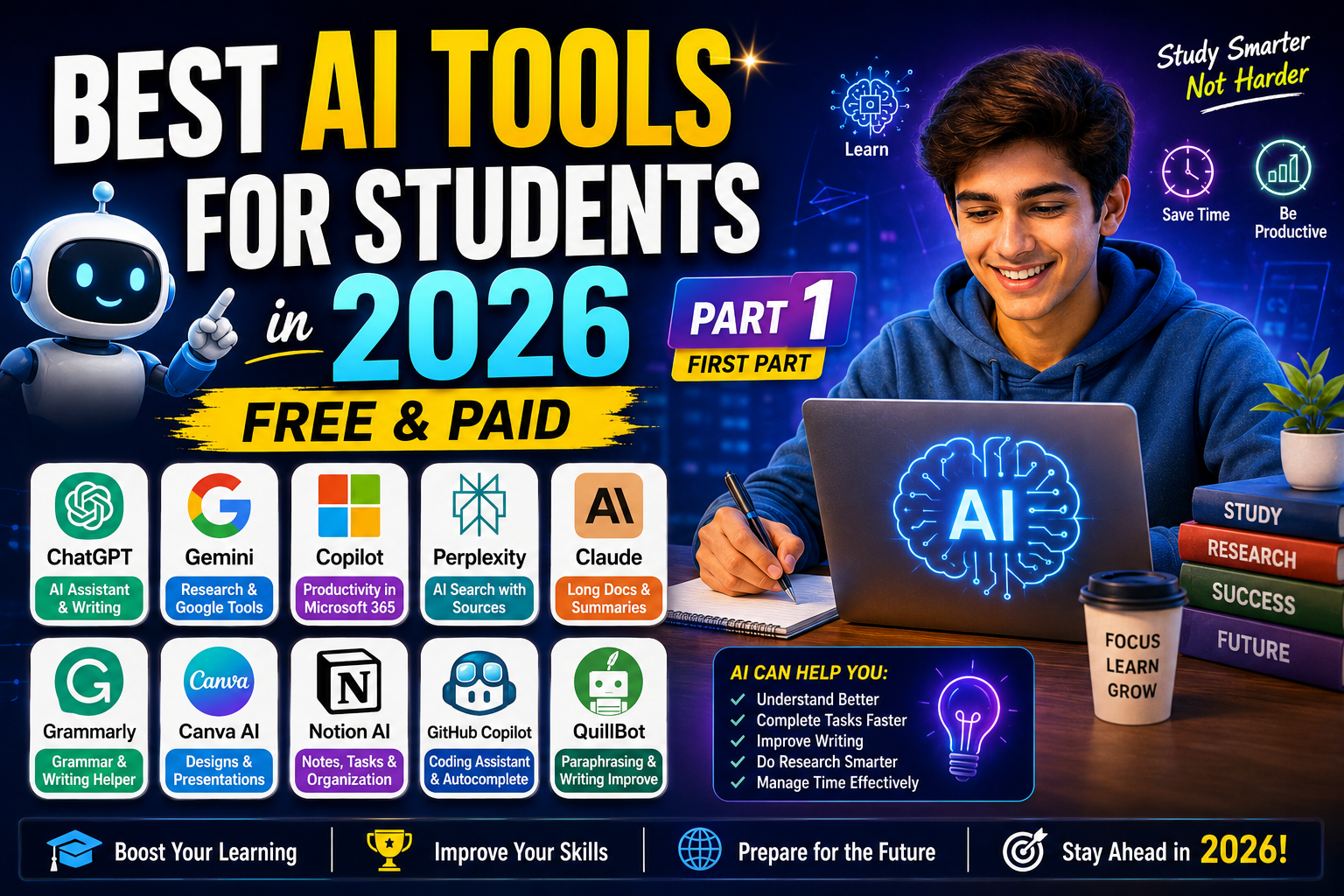
1. ChatGPT
ChatGPT remains one of the most popular AI tools for students in 2026. It helps explain concepts, answer questions, summarize information, generate ideas, improve writing, and assist with coding.
Visit : https://chatgpt.com/
Best Uses
Students use ChatGPT for:
- Understanding difficult topics
- Creating study plans
- Brainstorming ideas
- Essay outlines
- Coding explanations
- Resume writing
- Interview preparation
- Language practice
Instead of copying responses directly, students should use ChatGPT to understand concepts and create their own original work.
Advantages
- Easy to use
- Supports multiple subjects
- Helpful for beginners
- Improves productivity
- Available on multiple devices
2. Google Gemini
Google Gemini has become a powerful AI assistant for students who regularly use Google services.
It works well with documents, research, productivity tasks, and information gathering.
Visit : https://gemini.google.com/
Best For
- Research
- Google Workspace
- Document summaries
- Brainstorming
- Academic assistance
Students who already rely on Google products often find Gemini convenient because it integrates with their existing workflow.
3. Microsoft Copilot
Microsoft Copilot is particularly useful for students who frequently use Microsoft Office.
It helps improve productivity inside applications such as Word, Excel, and PowerPoint.
Visit : https://copilot.microsoft.com/
Common Uses
Students use Copilot for:
- Drafting reports
- Creating presentations
- Spreadsheet analysis
- Organizing notes
- Email writing
Its integration with Microsoft applications makes it valuable for academic projects.
4. Perplexity AI
Perplexity AI has become increasingly popular because it focuses on answering questions using referenced sources.
Instead of only generating responses, it also helps students discover relevant information for further reading.
Visit : https://www.perplexity.ai/
Best Uses
- Research
- Literature reviews
- Fact checking
- Academic exploration
- Current information
Students should still verify references before using them in assignments.
5. Claude
Claude is widely appreciated for handling long documents and producing detailed explanations.
Many students use it for reading lengthy reports, summarizing articles, and improving written work.
Visit : https://claude.ai/
Best For
- Document analysis
- Essay improvement
- Long-form writing
- Research summaries
- Critical reading
Claude performs especially well when working with large amounts of text.
6. Grammarly
Good writing remains essential in both education and professional careers.
Visit : https://grammarly.com/
Grammarly helps students improve:
- Grammar
- Spelling
- Sentence structure
- Clarity
- Professional tone
Rather than writing assignments automatically, Grammarly helps students produce clearer and more polished work.
7. Canva AI
Presentations are an important part of university education.
Canva now includes several AI-powered features that simplify presentation design, graphics, and educational content creation.
Visit : https://www.canva.com/ai/
Students Use Canva For
- Presentation slides
- Posters
- Infographics
- Study materials
- Social media projects
Even students with no design experience can create professional-looking presentations.
8. Notion AI
Organization is one of the biggest challenges students face.
Visit : https://www.notion.com/
Notion AI helps organize:
- Class notes
- Assignments
- Study schedules
- Project planning
- Personal tasks
Students can keep all their academic information in one place while using AI to summarize notes and organize content.
9. GitHub Copilot
Programming students often spend hours debugging code.
GitHub Copilot assists developers by suggesting code, explaining functions, and helping solve programming problems.
Visit : https://github.com/copilot
Best For
- Python
- JavaScript
- Java
- C++
- HTML
- CSS
Although it speeds up development, students should still understand how the code works instead of relying entirely on AI.
10. QuillBot
QuillBot is commonly used to improve writing quality.
Visit : https://quillbot.com/
Students use it for:
- Paraphrasing
- Grammar checking
- Sentence rewriting
- Academic writing
- Vocabulary improvement
It is particularly helpful for non-native English speakers who want to write more naturally.
Should Students Depend Completely on AI?
The simple answer is no.
AI should support learning rather than replace it.
Students who only copy AI-generated content may struggle during exams, interviews, and future jobs because they have not fully understood the subject.
Instead, use AI to:
- Understand concepts
- Organize ideas
- Improve grammar
- Practice skills
- Learn faster
Then complete your own work using the knowledge you have gained.
Choosing the Right AI Tool
Different students have different needs.
For example:
- Writers may benefit most from ChatGPT, Claude, and Grammarly.
- Researchers may prefer Perplexity AI and Gemini.
- Design students may find Canva AI more useful.
- Programming students often choose GitHub Copilot.
- Students managing multiple subjects may prefer Notion AI.
There is no single AI tool that is perfect for everyone. The best choice depends on your field of study, learning style, and daily academic tasks.
Stay updated with the latest jobs, internships, scholarships, and Course opportunities right here.
Explore More Opportunities
Stay updated with the latest:
Join our community and take your engineering career to the next level.